
Triptychum
A simple tool for displaying photographs on one or more screens connected to a Macintosh computer.
Triptychum is designed for exhibitions, presentations and unattended displays of photographs. It can show images in filename order or at random, with adjustable display duration and crossfade transitions. It does not modify the original photographs.
Three ways to use Triptychum
In Settings, you choose an initial configuration. You can then adjust each of its settings individually.
01 — Exhibition
For continuous display of photographs in an exhibition space. Images follow the order of their filenames, the entire frame remains visible and unnecessary overlays are hidden.
02 — Presentation
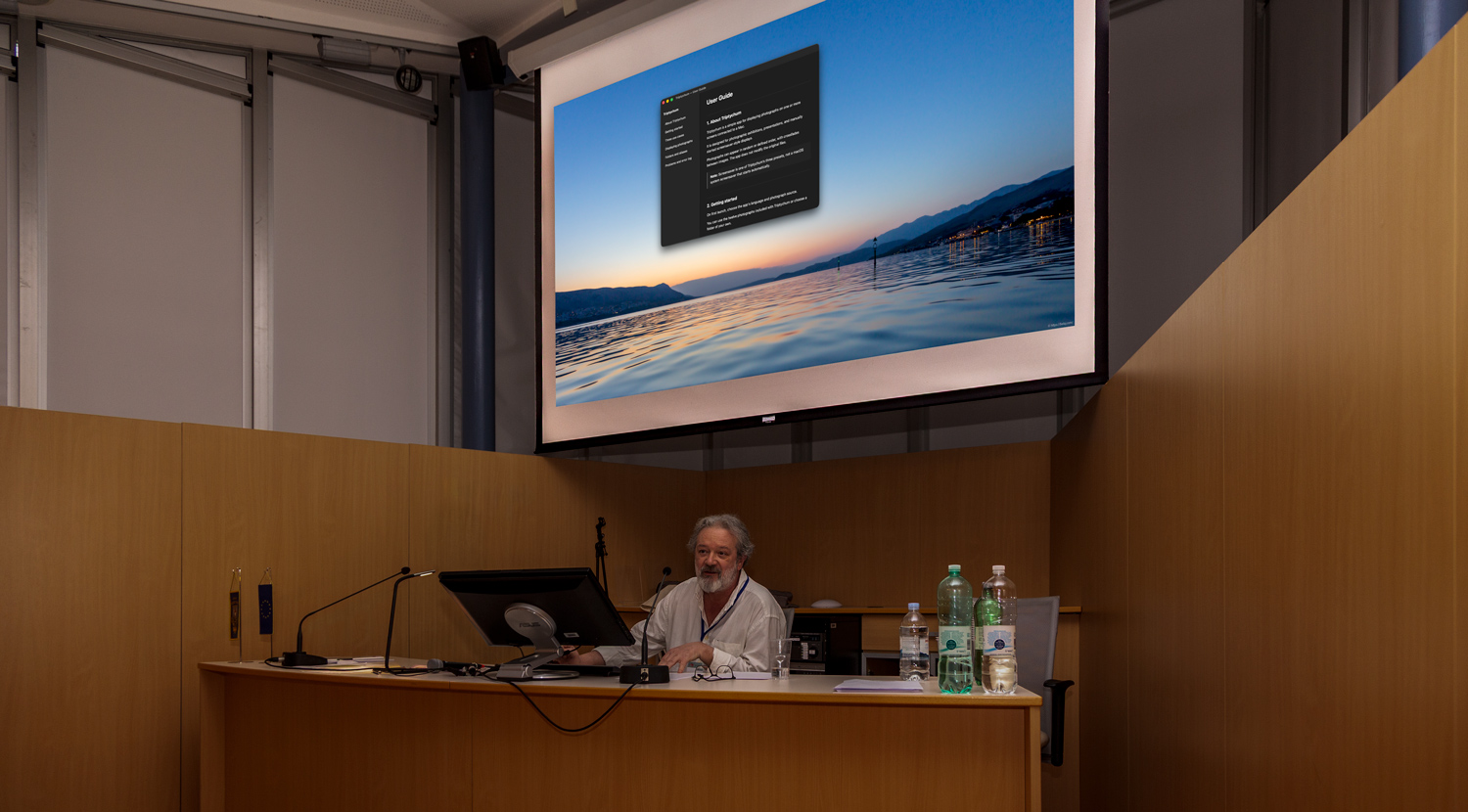
For talks, introductions and guided viewing of photographs. You can pause the display, move manually to the previous or next photograph, and show the filename.
03 — Screensaver mode
For relaxed, automatic display of photographs in random order. This is not a macOS system screensaver and does not start automatically when the computer is idle; you need to launch it yourself. You can make launching it easier with the free HotCorners app (macOS 13 or later).
Triptychum supports JPEG, PNG, WebP and GIF (animated GIFs are displayed as still images). It can also use Finder aliases to create a selection of photographs without duplicating the originals.
What it looks like
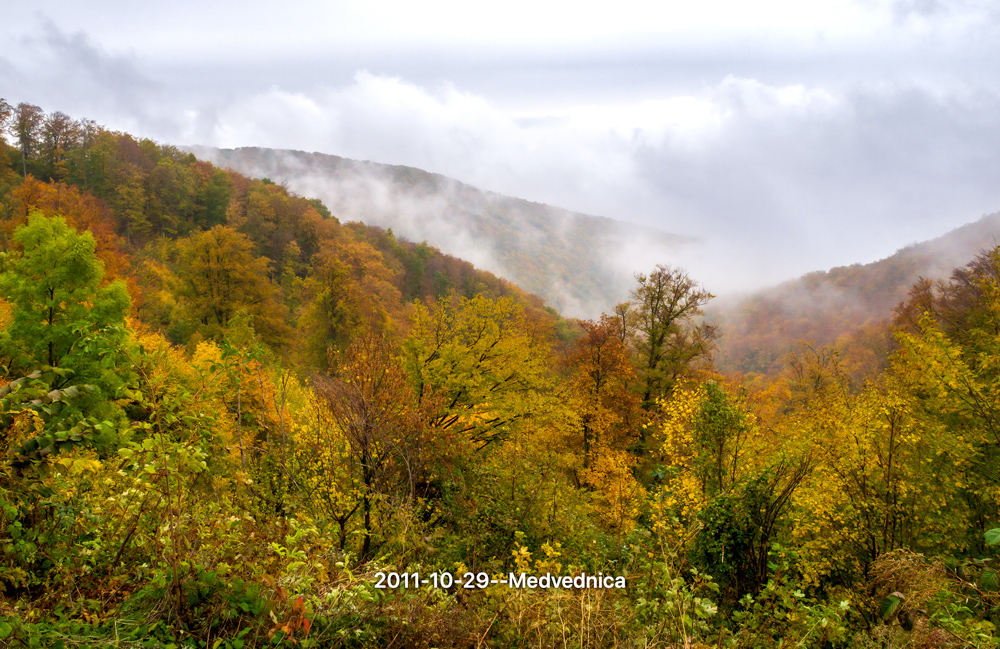
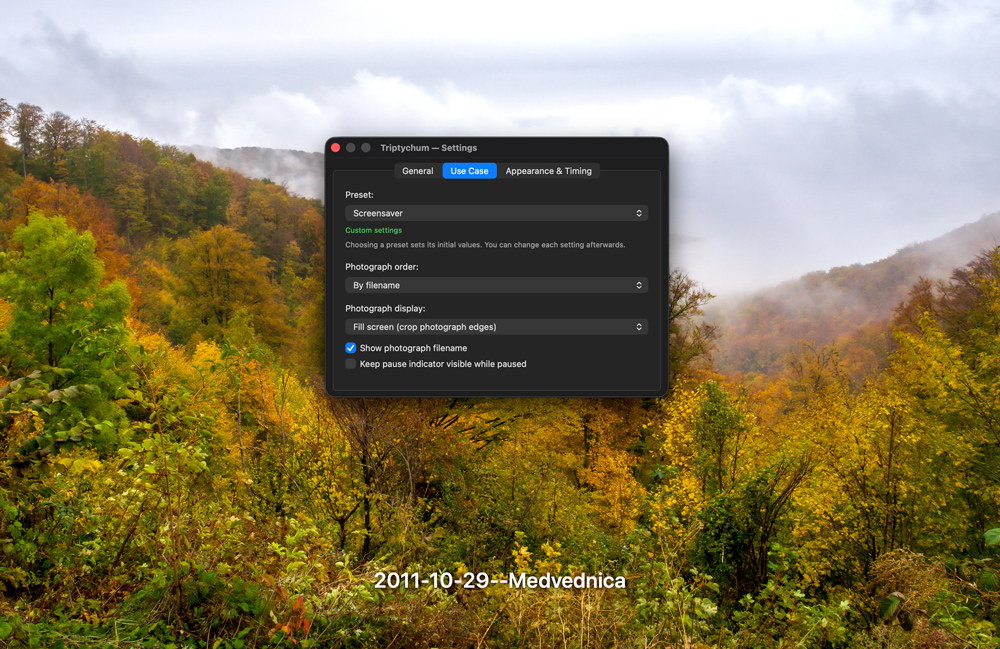
The photographs take centre stage; you open Settings only when you need to change something.
Before installation
Triptychum 0.9 Beta 1 is intended for Apple Mac computers running macOS Monterey 12.0 or later. A single universal application supports both Intel and Apple Silicon.
The downloaded disk image (DMG) contains the application, a link to the Applications folder, and illustrated instructions in Croatian, English and German.
A note about security
This beta release is neither signed with an Apple Developer ID certificate nor notarized by Apple. As a result, macOS may display a warning and block the first launch. If you downloaded the application from belaj.com and trust the source, you can allow it to open using Open Anyway in the macOS security settings.
You do not need to disable system-wide security protection. The exact procedure varies between macOS releases and is illustrated in the PDF instructions included with the application.
Download
Triptychum 0.9 — Beta 1
macOS 12.0+ · Universal (Intel / Apple Silicon) · DMG
Download Triptychum (DMG: 13.2 MB)
SHA-256: 2dca8e687106db0177c5b27508dd85e087d0f80b26e3b950584e967f628a8420
This is a beta release. Bugs and changes are possible before the final release. The application includes a dozen photographs from the “Suicidal Mr. Bones” series so you can try it “out of the box”.
How Triptychum came about
It began as a small experiment: instead of asking artificial intelligence to build a finished app for me, I wanted to use it to help me learn Python programming, which I had only explored superficially. I wanted my own screensaver for Fedora, which I had installed on an ancient Mac mini. I enjoyed the experience and soon moved over to macOS and Swift, a language I knew nothing about at the time.
The experiment did not quite go “according to plan”. ChatGPT gradually took over writing most of the code, while I worked out how the application should behave, made decisions, tested solutions, studied the Swift documentation and requested changes. The original idea gradually grew into three modes of use — hence the name: Triptychum.
License and copyright
Triptychum is free of charge for personal, educational, professional and commercial use, including presentations and exhibitions. Its source code is not released under an open-source license. Modifying or redistributing the application requires the author’s prior written permission, except where mandatory law permits otherwise.
A free application does not mean that the photographs included with it are free to use separately. Photographs from the “Samoubojiti Kosturko” series and the artwork used for the app icon may be displayed within Triptychum during its normal use. Extracting, reproducing, altering, publishing or distributing them separately requires the author’s express permission.
Rights to photographs selected by users remain with their respective rights holders; Triptychum acquires no rights to them. The application is provided without any warranty that it will be suitable for every purpose or operate without errors, to the extent permitted by applicable law.
Author and contact
Concept, design and development decisions: Janko Belaj. The software was implemented with extensive assistance from ChatGPT (OpenAI).